Doxify: PDF Scanner & Editor
Free on Android and iPhone
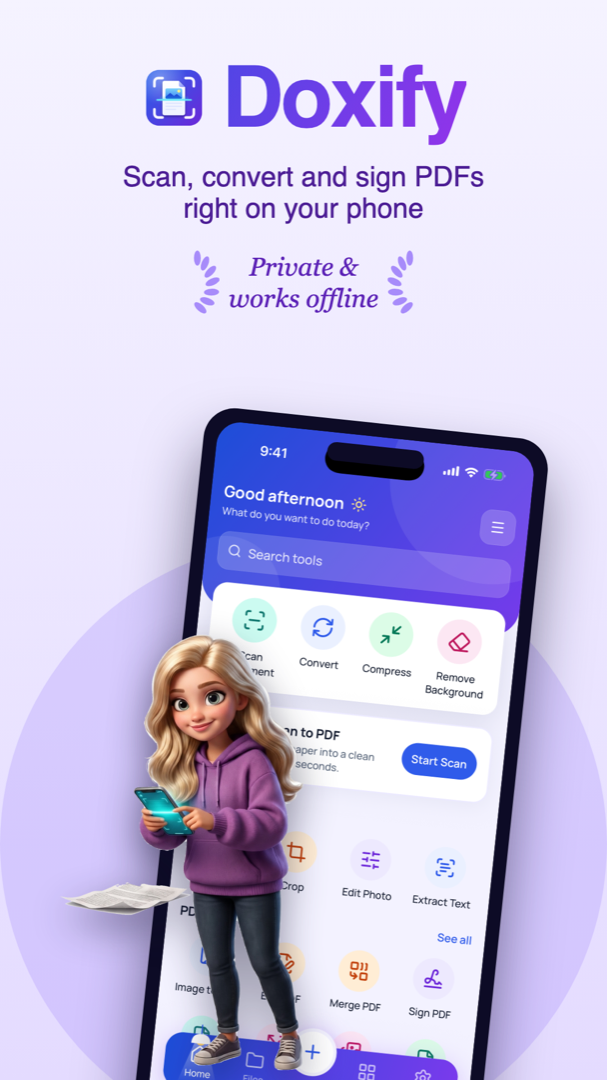
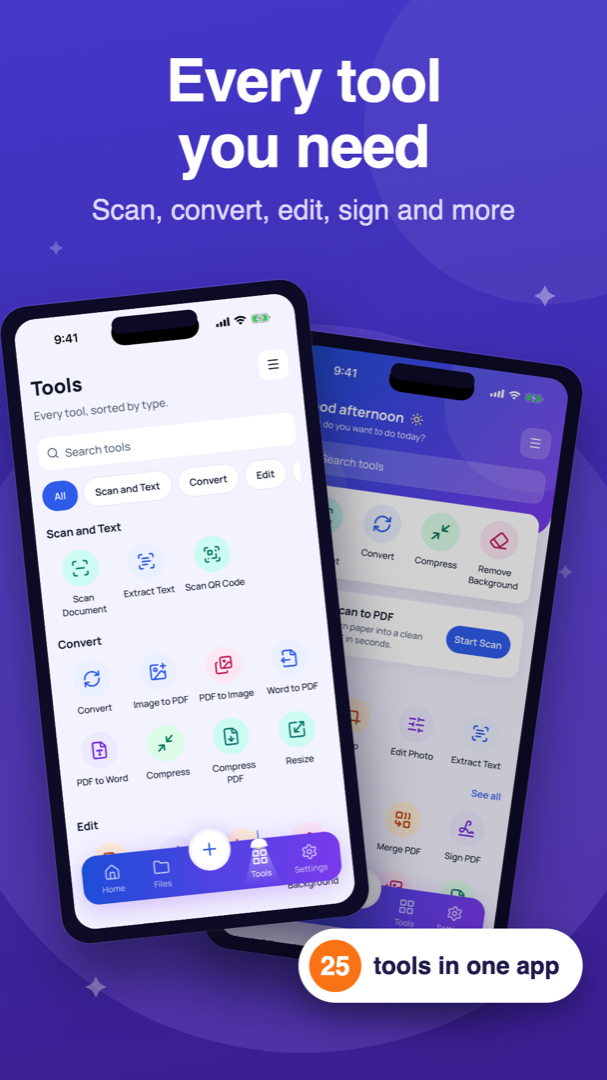
Scan documents with your camera, convert Word and photos to PDF, sign forms, merge, split and compress PDFs, extract text with OCR and create QR codes. More than 25 tools in one app, and your files never leave your phone.
What it does
Document scanner
Automatic edge detection, crop and perspective fix. Multi-page scans to one clean PDF.
PDF editor
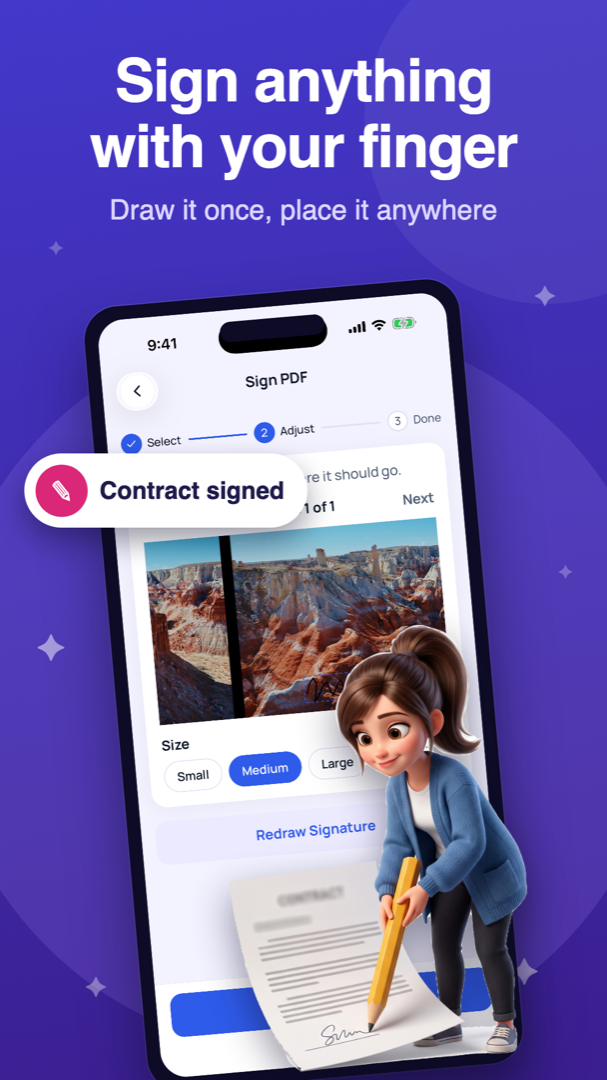
Add text, highlight, draw, sign, merge, split, rotate, compress, watermark, protect.
Converter
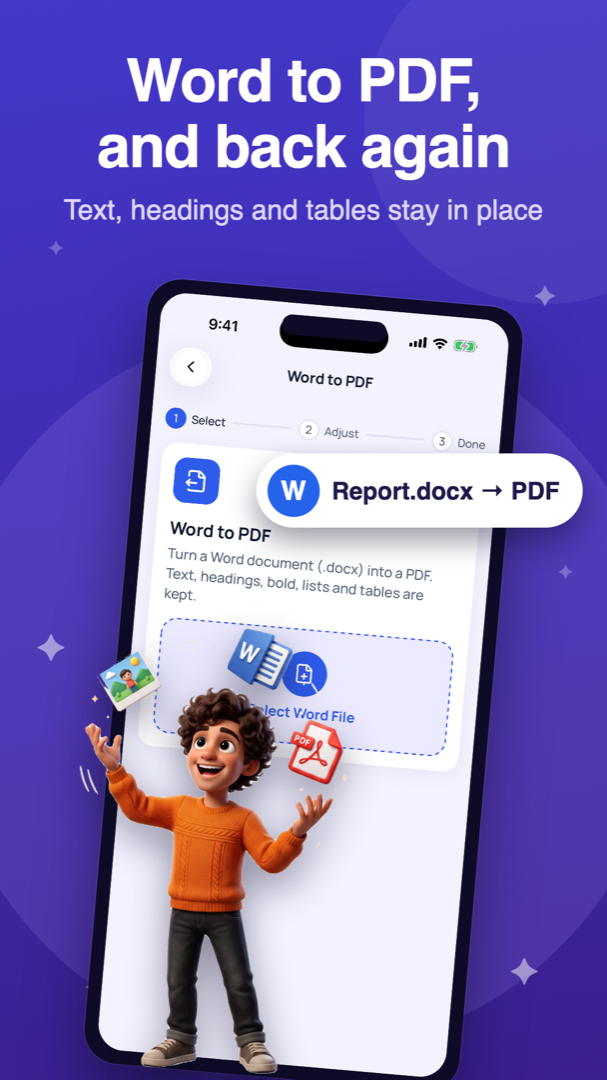
Word to PDF, PDF to Word, image to PDF, PDF to JPG, HEIC to JPG, batch convert.
OCR
Extract text from scans and photos, copy it or save it as Word.
Photo tools
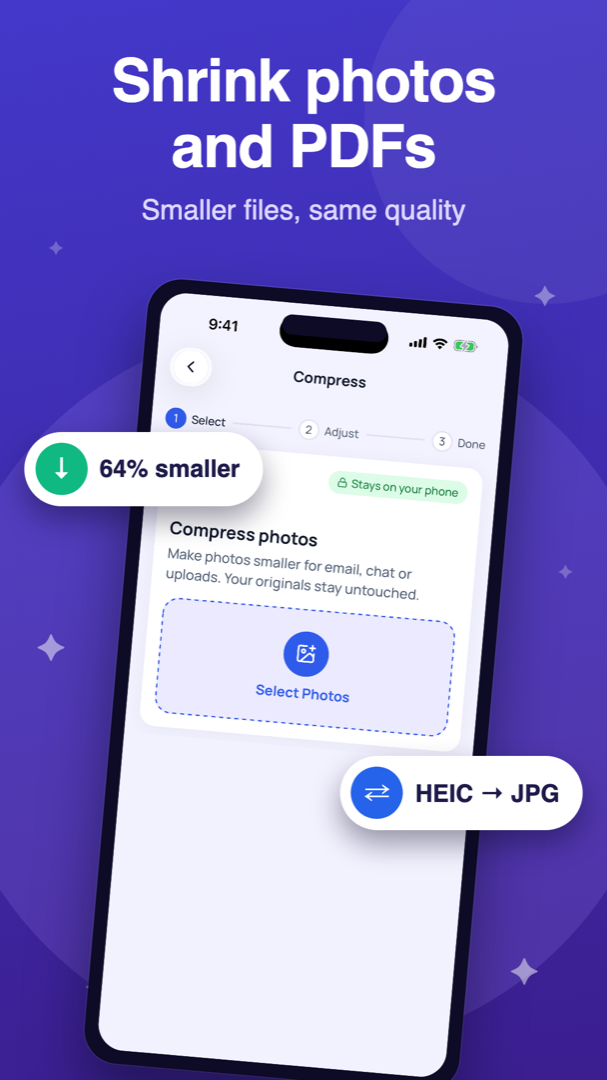
Compress, resize, crop, remove background, strip GPS data before sharing.
QR & barcodes
Scan and create QR codes for links, Wi-Fi, email and phone; Code 128 barcodes.
Screens

Privacy first
Doxify processes photos, PDFs, scans, signatures and passwords on the device. Nothing is uploaded, and there is no account. The app is free and supported by ads. Read the privacy policy and terms.
Prefer the browser?
The most used tools are also on this website: merge, split, compress, JPG to PDF, PDF to JPG, sign and more, all running locally in your browser.